2.6.1 Notification using the Ops I notification function
The Ops I notification function can be used to send notifications through the use of the Ops I GUI and emails.
(Figure) Configuration for notification using the Ops I notification function
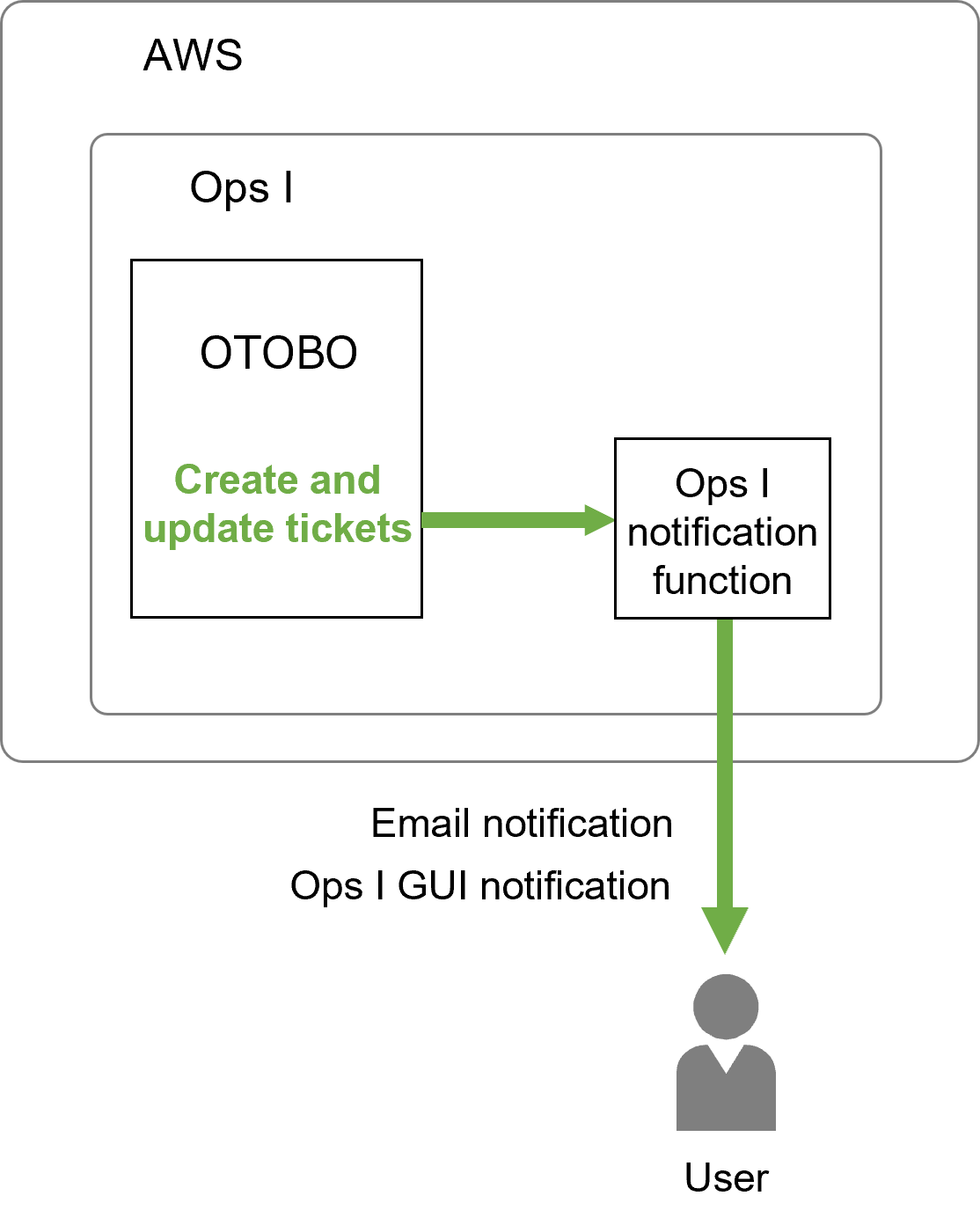
The prerequisites and setting items are as follows.
[Prerequisites]
You do not need to prepare an email sending environment.
[Setting items]
Configure the settings for the following items. Setting is performed by a user with the role of System Administrator or Site Reliability Engineer. Only the “Notification settings” will be implemented by each agent.
(Table) Email notification setting items
| Setting items | Description | Required |
|---|---|---|
| Ops I notification function settings | This registers the settings required to send emails by using the Ops I notification function. | Required |
| Notification settings | This sets the items for which the agent wants to receive notifications and the queue to be monitored. | Optional |
The queue is the “Contact person” in Ops I ticket management. For details on creating and editing queues, see “Create and edit the contact person”.
 Note
Note
If multiple notifications are generated for the same email address within 10 minutes, these notifications will be combined into one email. The notifications will be sorted based on the following priorities: Severity (Critical > Warning > Information) > Date and Time of Occurrence (Oldest First). The email subject will be displayed in the following format: "email-subject (Total n notifications)". "email-subject" is the subject of the first notification of all the notifications combined. "n" is the number of notifications combined.
(1) Ops I notification function settings
■ Configuring OTOBO
(Table) Registration widgets for the Ops I notification function
| Widget | Value |
|---|---|
| SendmailModule | Specify "OpsINotification". |
(2) Notification settings
■ Configuring OTOBO